6
OMR50
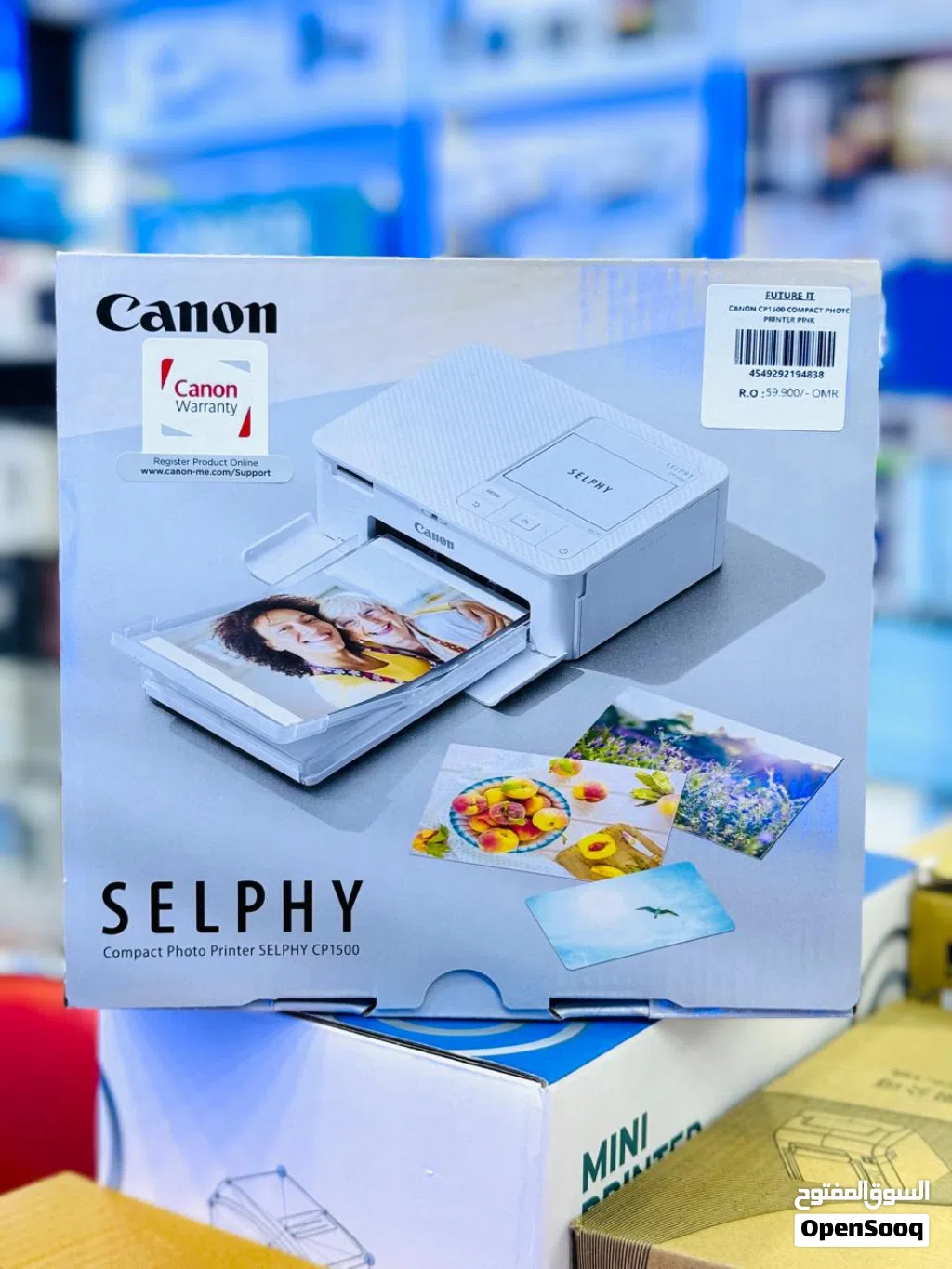
Canon selphy photo printer CP1500 wifi
Description
Canon selphy photo printer CP1500 wifi
Specification
Printing Technology Dye-sublimation thermal print method (with overcoating)
Maximum Printing Resolution 300 x 300 dpi
Gradation 256 shades per colour
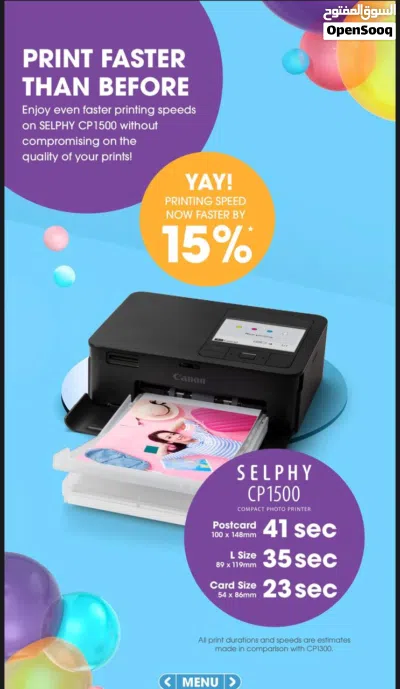
Print Speed Postcard size: Approx. 41 sec
Card size: Approx. 23 sec
Measured conditions : Room temperature, print speed measured from start of yellow printing to ejection of paper. With print finish set to “glossy”.
Supported Paper Size / Printing Size Postcard Size, borderless : 100.0 x 148.0 mm
Postcard Size, bordered: 91.3 x 121.7 mm
Card size, borderless, including full-size label: 54.0 x 86.0 mm
Card size, bordered, including full-size label: 49.9 x 66.6 mm
Card size (Label on 8-label sheet): 22.0 x 17.3 mm
Card size (Square labels): 50 x 50 mm
Supported Media Type Dedicated paper
Postcard size (with an address field on reverse side): KP-36IP
Postcard size: KP-108IN, RP-54, RP-108, RP-1080V
Card size: KC-36IP
Card size Full-Sized Label: KC-18IF
Card size Eight Label: KC-18IL
Card size Square Label: KC-18IS
Dimension (LxDxH) 182.2 x 57.6 x 133.0 mm
Weight Approx. 850g (printer only)
Paper Handling
(Maximum Number) 18 sheets
Print Longevity 100 Years Print. A special coating on each print that protects against splashes, spills and fading for up to 100 years when stored in an album.
Battery Sold separately - Battery Pack NB-CP2LI / NB-CP2LH
Charging Time Approx. 4.5 hours
Measured conditions : Room temperature, using NB-CP2LI
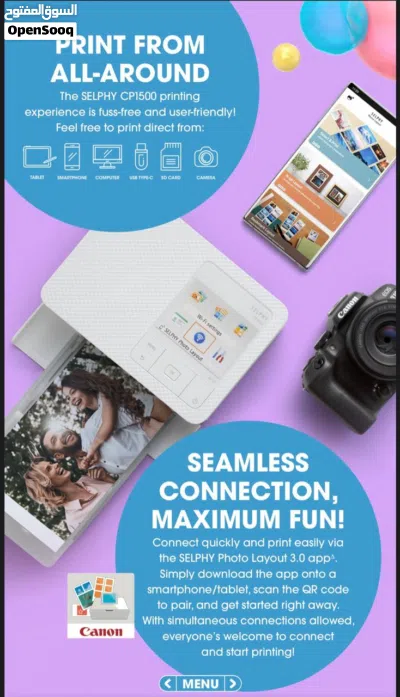
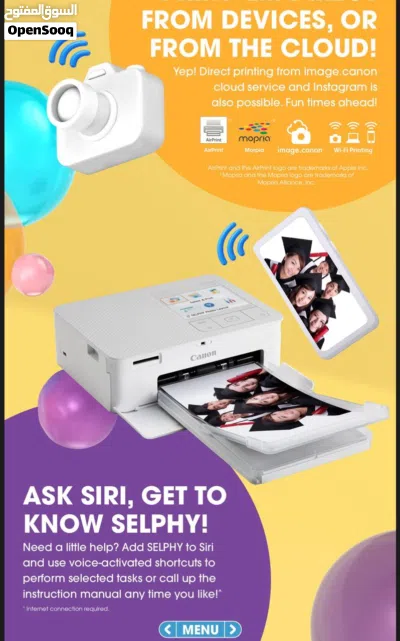
Connectivity Wi-Fi
LCD Monitor 3.5” TFT LCD colour monitor (approx. 230,000 dots)
Memory Card Compatible SD / SDHC / SDXC
Via adapter: miniSD / miniSDHC / microSD / microSDHC / microSDXC
Power Source Compact Power AC Adapter CA-CP300 B
Battery Pack NB-CP2LI / NB-CP2LH (sold separately)
Port USB - Type C (USB 2.0)
USB charging or powering up via USB not supported
*USB printing via Windows 10 requires Windows 10 2022 Update
shop future it Qurum
more details contact
Click to Show Phone Number 968773290XX
Click to Show Phone Number 968773280XX
Specification
Printing Technology Dye-sublimation thermal print method (with overcoating)
Maximum Printing Resolution 300 x 300 dpi
Gradation 256 shades per colour
Print Speed Postcard size: Approx. 41 sec
Card size: Approx. 23 sec
Measured conditions : Room temperature, print speed measured from start of yellow printing to ejection of paper. With print finish set to “glossy”.
Supported Paper Size / Printing Size Postcard Size, borderless : 100.0 x 148.0 mm
Postcard Size, bordered: 91.3 x 121.7 mm
Card size, borderless, including full-size label: 54.0 x 86.0 mm
Card size, bordered, including full-size label: 49.9 x 66.6 mm
Card size (Label on 8-label sheet): 22.0 x 17.3 mm
Card size (Square labels): 50 x 50 mm
Supported Media Type Dedicated paper
Postcard size (with an address field on reverse side): KP-36IP
Postcard size: KP-108IN, RP-54, RP-108, RP-1080V
Card size: KC-36IP
Card size Full-Sized Label: KC-18IF
Card size Eight Label: KC-18IL
Card size Square Label: KC-18IS
Dimension (LxDxH) 182.2 x 57.6 x 133.0 mm
Weight Approx. 850g (printer only)
Paper Handling
(Maximum Number) 18 sheets
Print Longevity 100 Years Print. A special coating on each print that protects against splashes, spills and fading for up to 100 years when stored in an album.
Battery Sold separately - Battery Pack NB-CP2LI / NB-CP2LH
Charging Time Approx. 4.5 hours
Measured conditions : Room temperature, using NB-CP2LI
Connectivity Wi-Fi
LCD Monitor 3.5” TFT LCD colour monitor (approx. 230,000 dots)
Memory Card Compatible SD / SDHC / SDXC
Via adapter: miniSD / miniSDHC / microSD / microSDHC / microSDXC
Power Source Compact Power AC Adapter CA-CP300 B
Battery Pack NB-CP2LI / NB-CP2LH (sold separately)
Port USB - Type C (USB 2.0)
USB charging or powering up via USB not supported
*USB printing via Windows 10 requires Windows 10 2022 Update
shop future it Qurum
more details contact
Click to Show Phone Number 968773290XX
Click to Show Phone Number 968773280XX
AI Tags

Frequently Asked Questions
How many listings are there in Printers?
What's the safest method to contact advertisers?
How can I arrange a safe meeting and verify the product quality?

Future of ITReply to chat within 7 hours
3.5
24-11-2016
General Tips
- Only meet in public places
- Never pay or transfer money in advance
- Inspect the product before you buy it
Sell Anything on OpenSooq
Do you have a similar Listing?
Add New Listing

Want more views?
Promote or Repost your listing
Explore More